1
Download the Windows installer
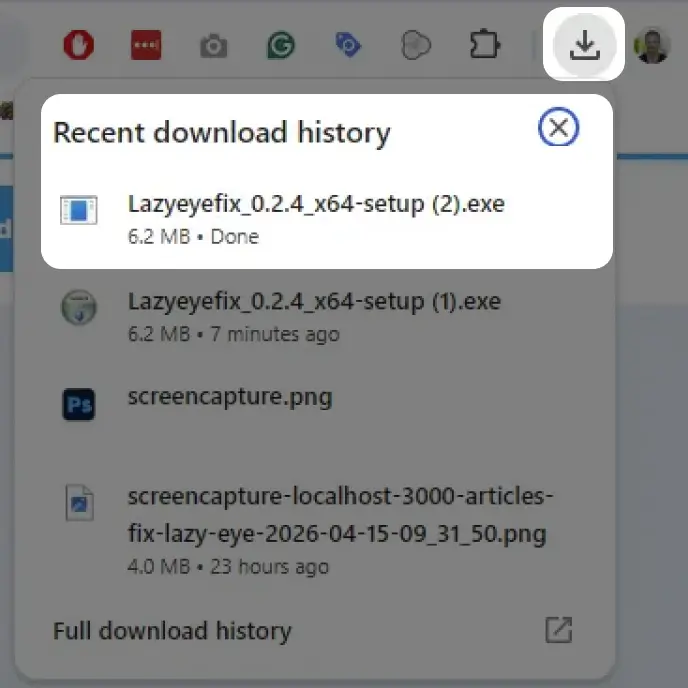
Use the download button above. If your browser asks what to do with the file, keep it and open it.
Desktop Software
Sign in with Google to start your 7-day trial and download the Windows installer.
No credit card required.





Join 2,158 people that have tried it
Quick Start
Follow the step-by-step process below.
Use the download button above. If your browser asks what to do with the file, keep it and open it.
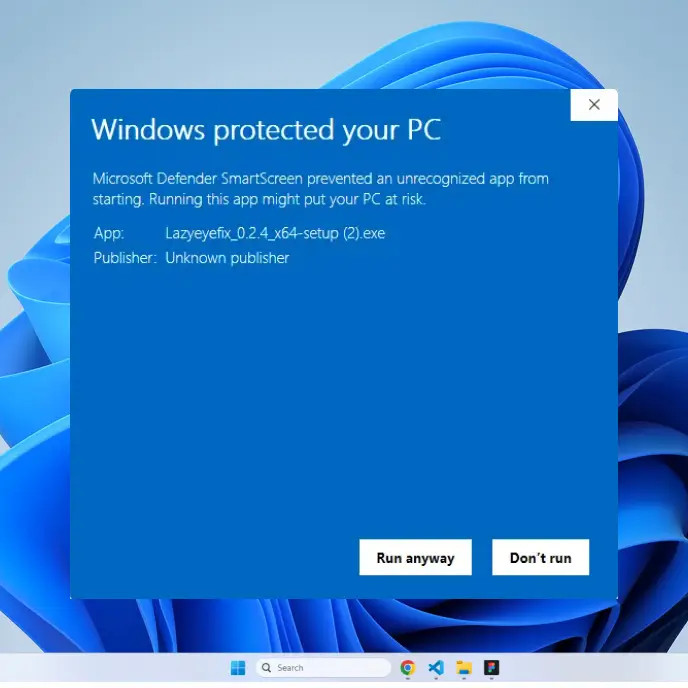
Windows may show this message because the app is new. Click More info to continue.
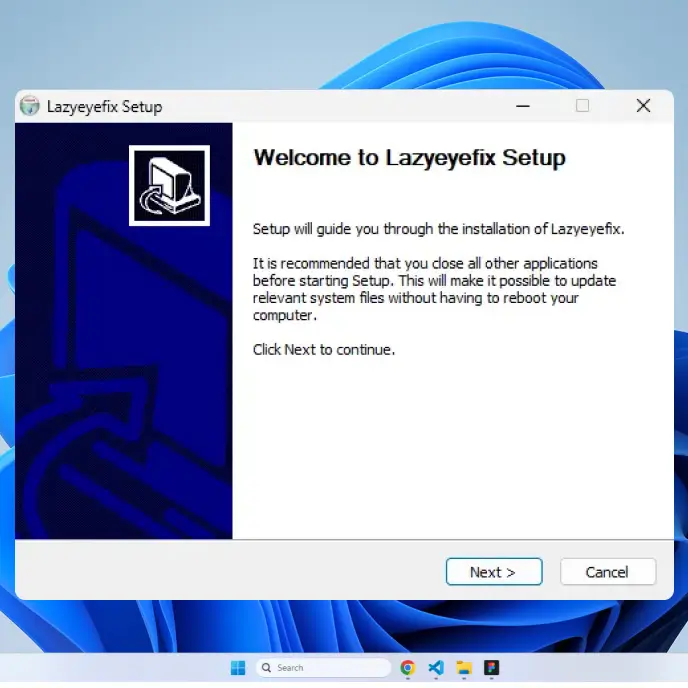
Click Run anyway, then follow the setup screen until Lazyeyefix opens.
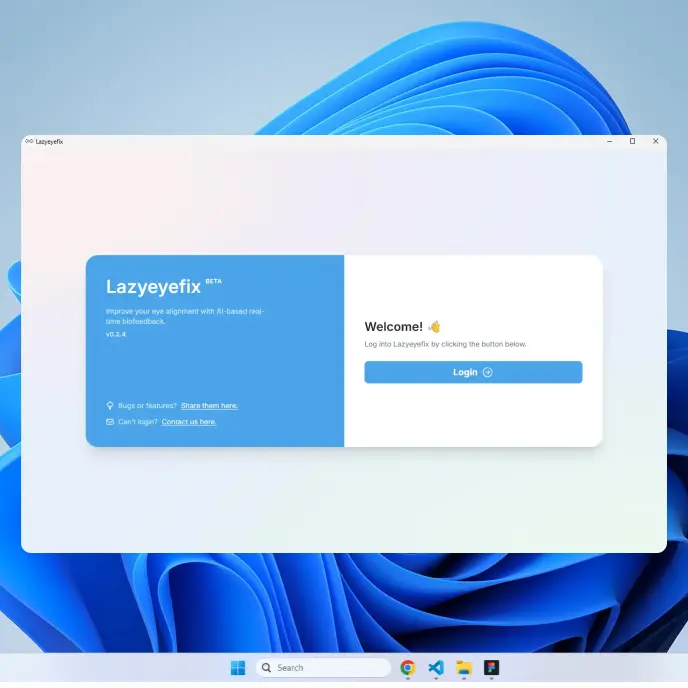
Use the same Google account you used on this page so the app can unlock your trial.
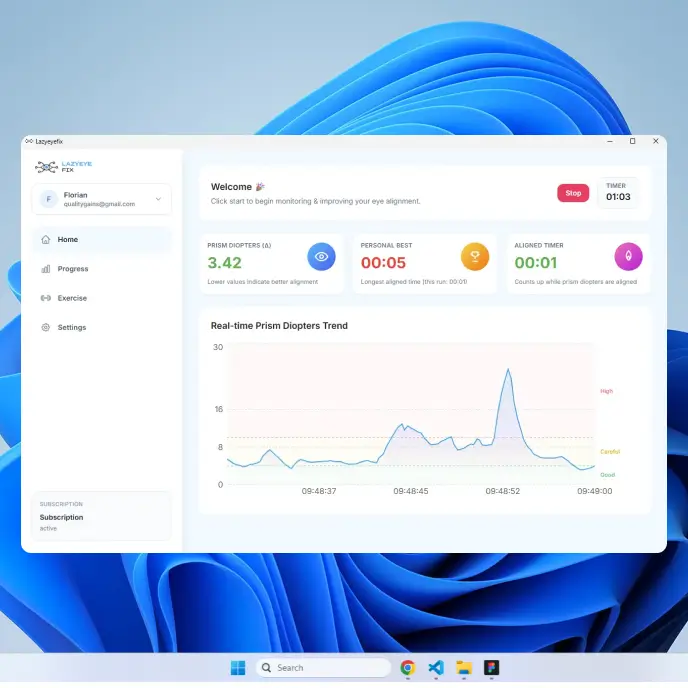
On the home screen, follow the prompts and begin your first lazy eye training session.